
Loading
Attendance, leave, expense reports, e-contracts, and onboarding — learn how to manage HR tasks with GI-JUN.
Admin Features with this mark are available to admin and manager roles. All other features are available to all employees.

With one account, you can belong to and switch companies from the top left.multiple companies
Profile → Two-factor authentication → Set upScan the QR code with an authentication app (Google Authenticator, 1Password, etc.) and enter the 6-digit code to turn it on. After that, login uses two steps: password + verification code.
The GI-JUN app from the App Store or Play Store, or a mobile browser, can be used the same way. Approval requests, signature requests, and more arrive as push notifications, and you can adjust what you receive in Settings → Notifications.
When you register a company or request to join, we send a confirmation email to the address you entered. Click the link to finish signing up. The link is valid for one hour, and you can resend it from the same screen.

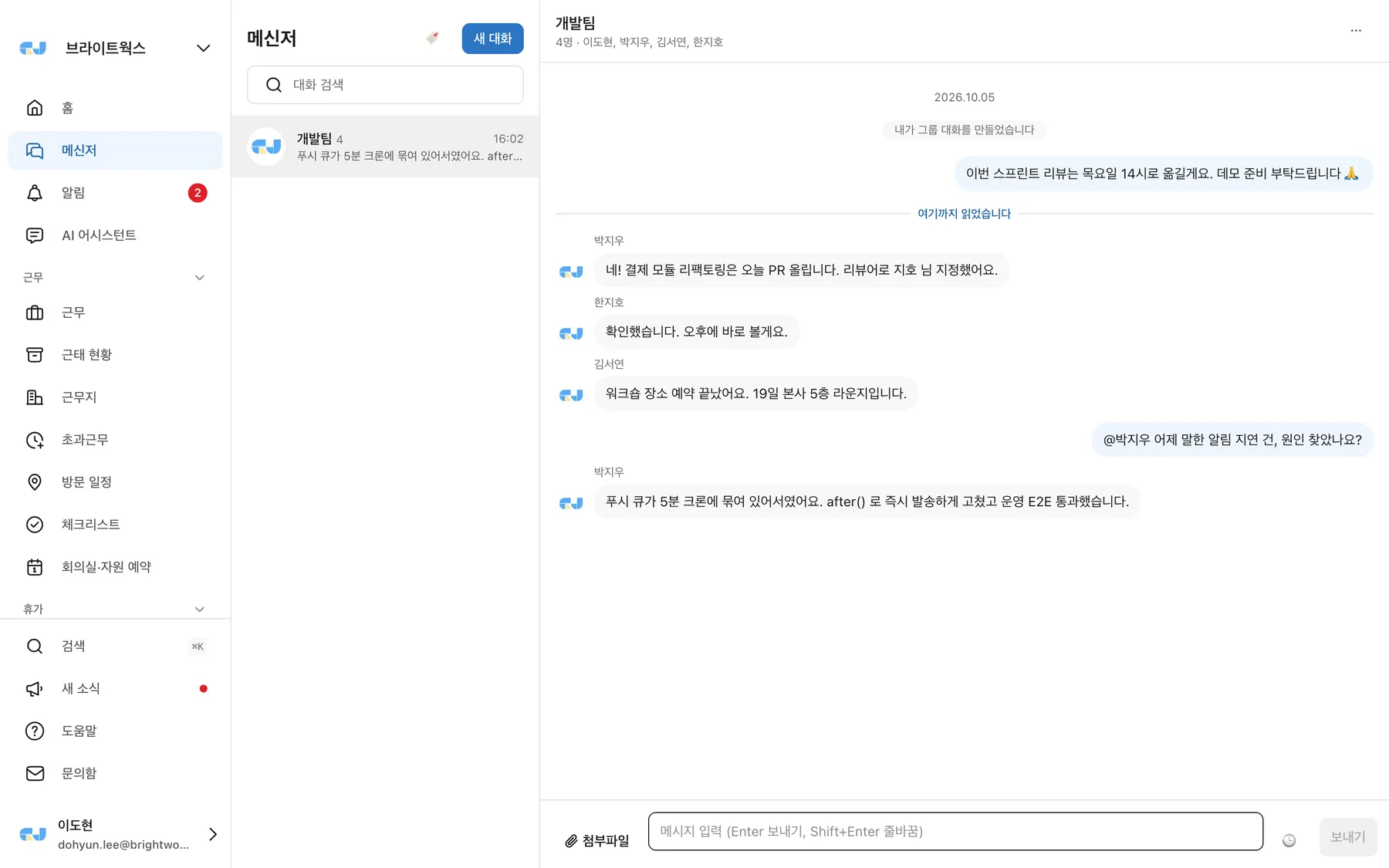
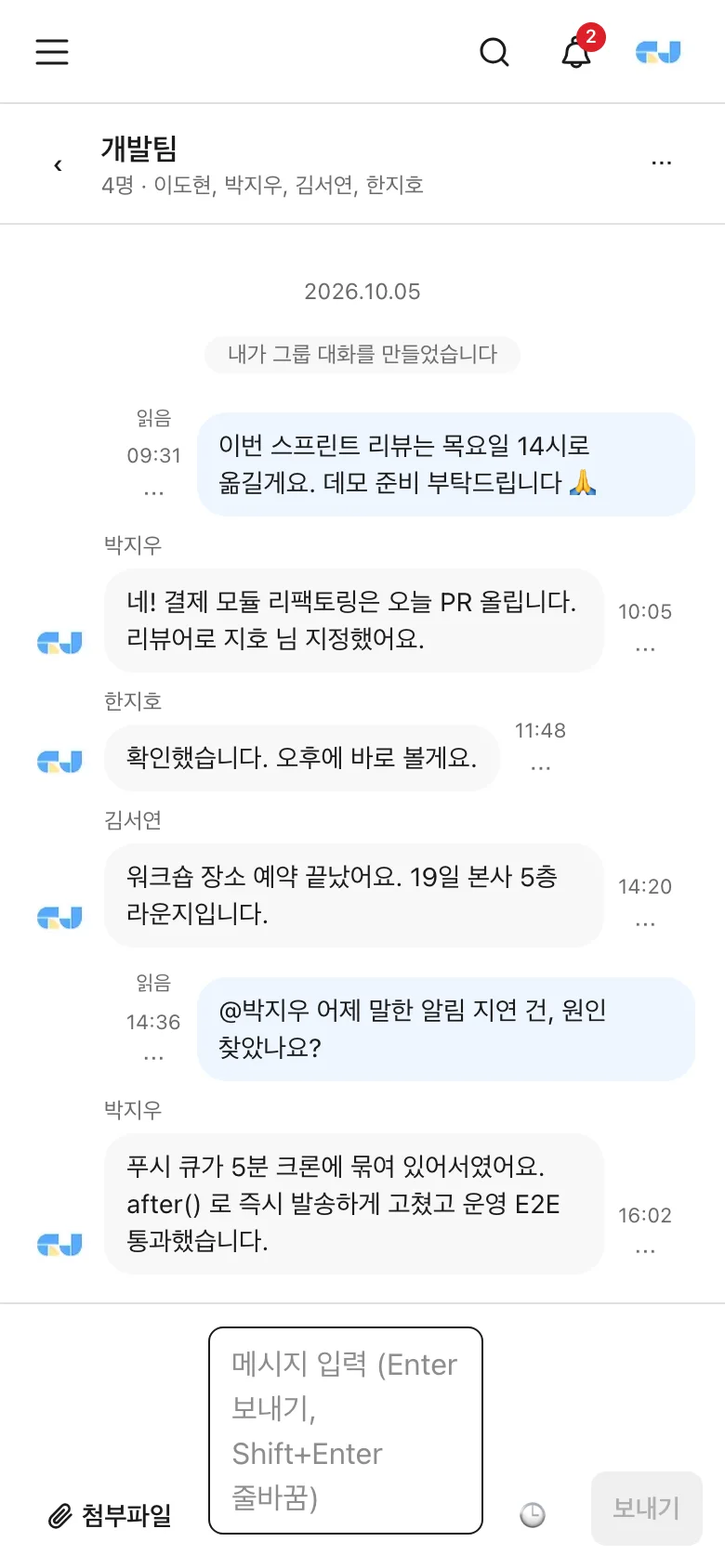
The bottom tabs (Home, Messenger, Clock-in, Leave, All) take you straight to the menus you use most. Add it to your home screen or install the app to get push notifications.
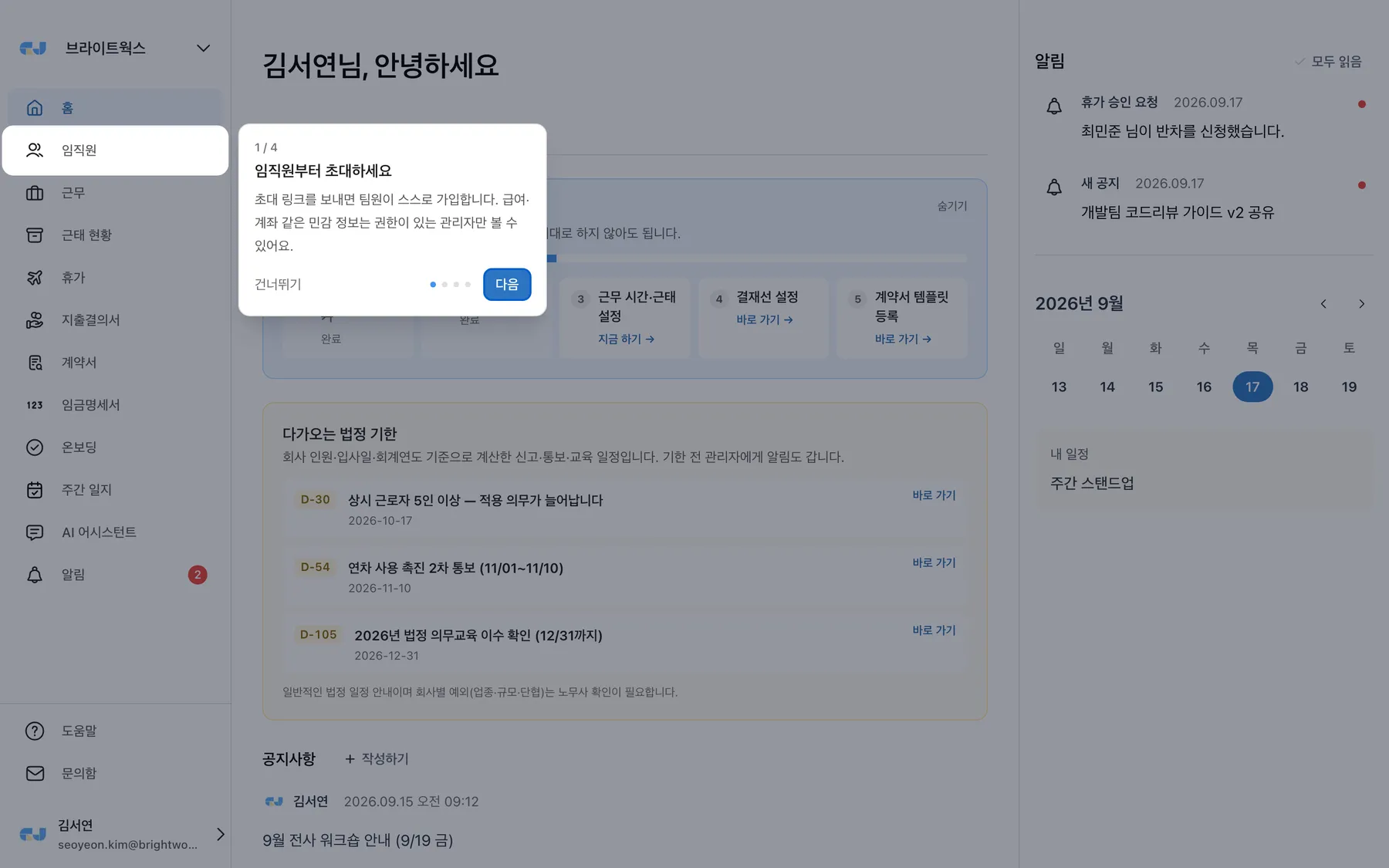
You can check recent notifications in the right panel and mark them as read.
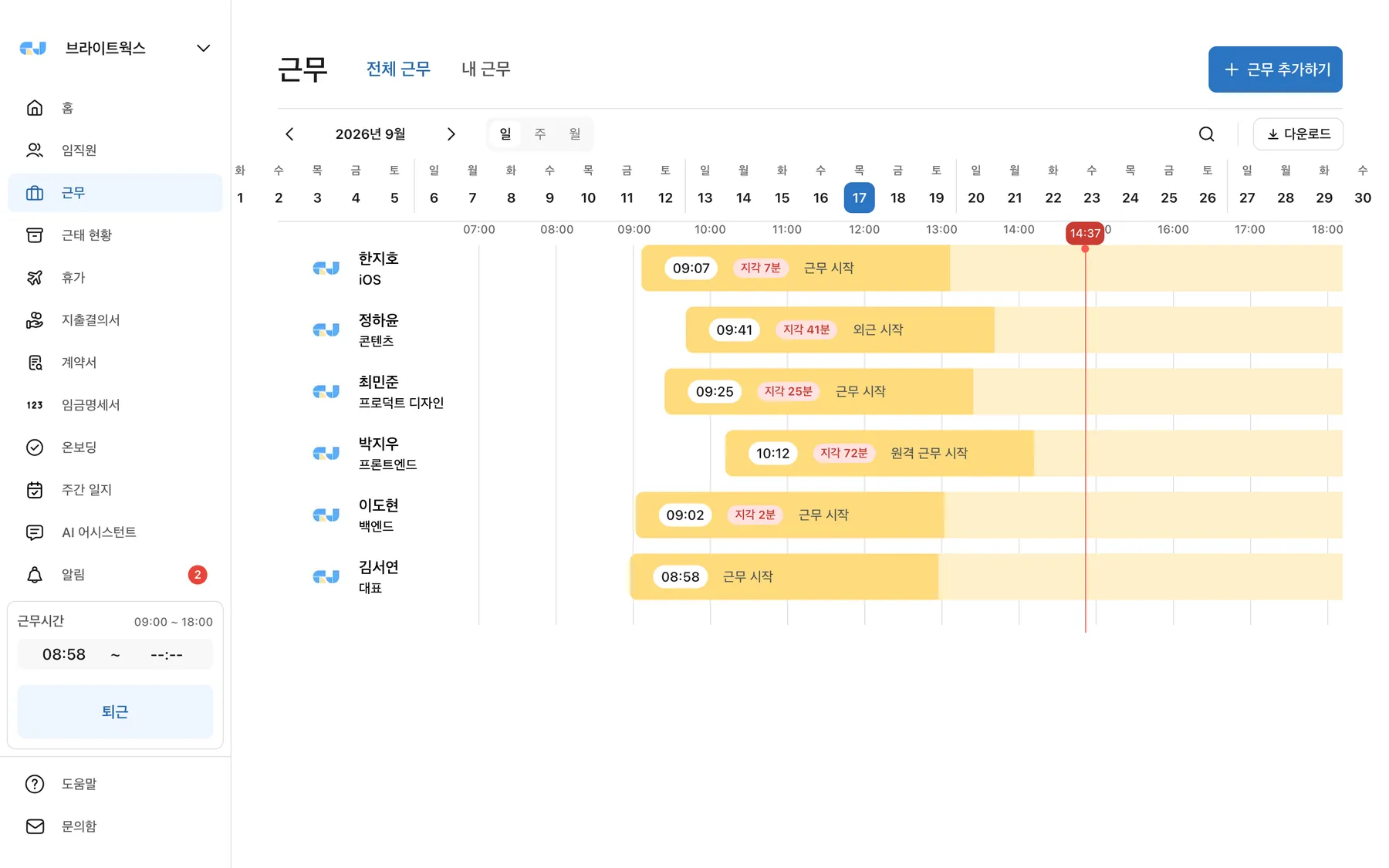
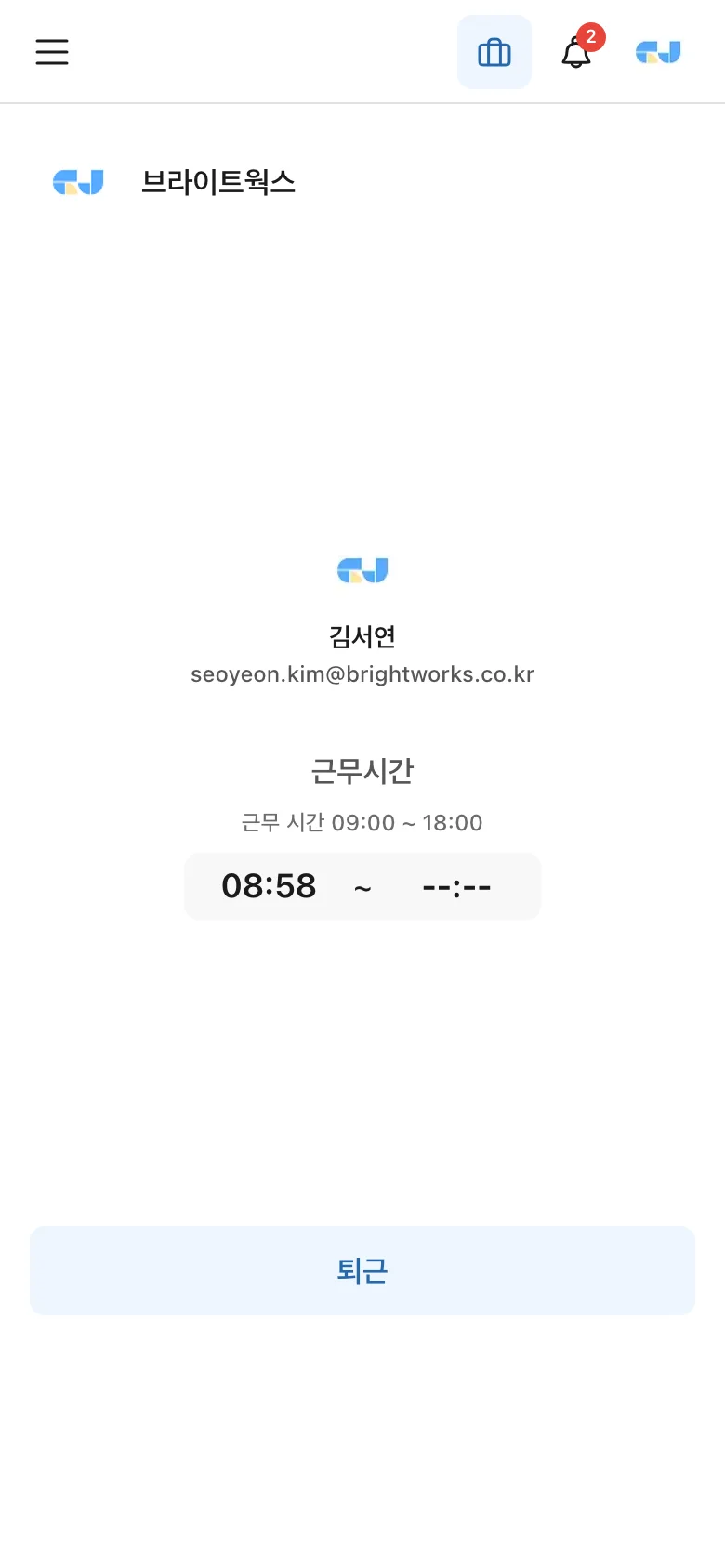
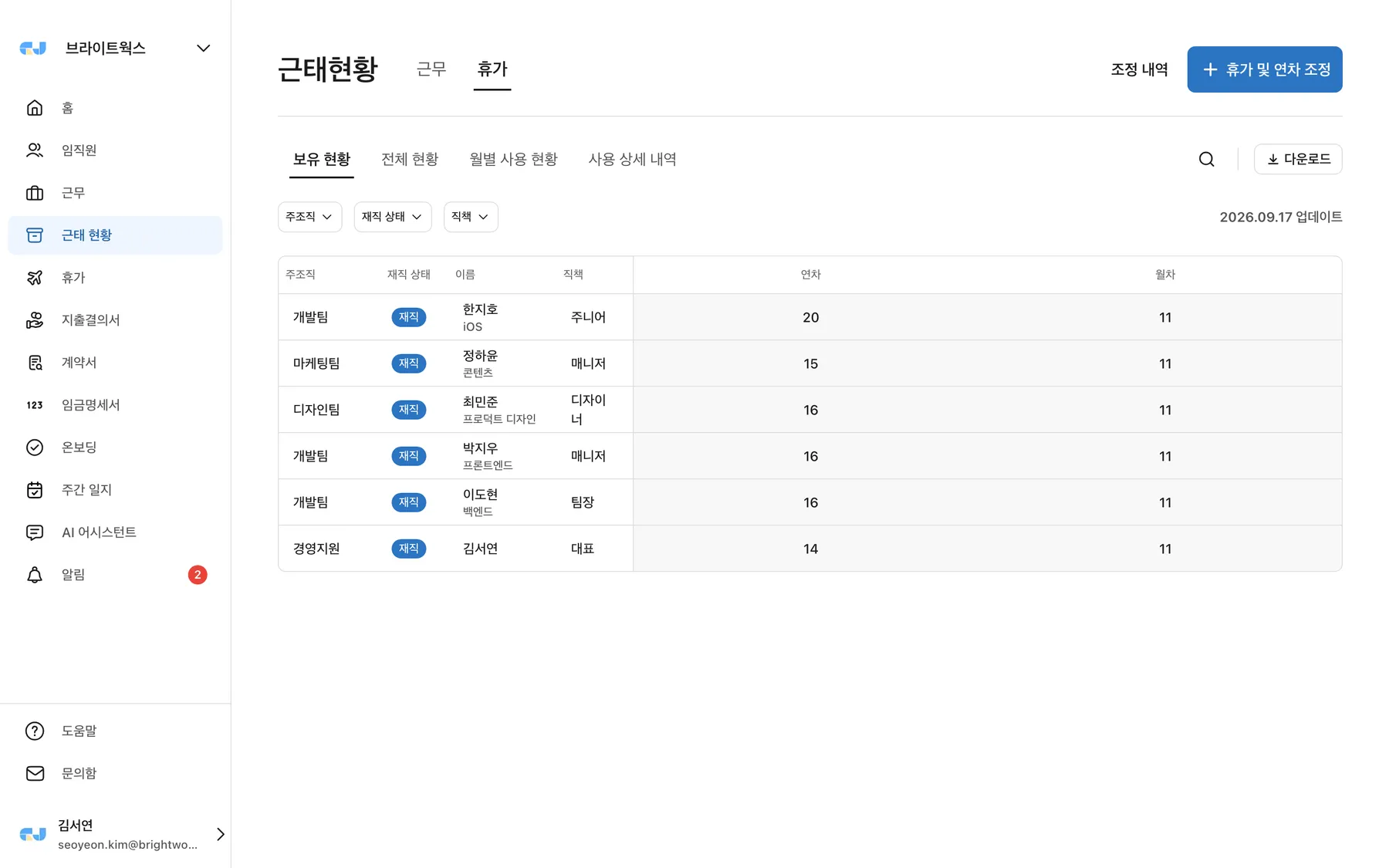
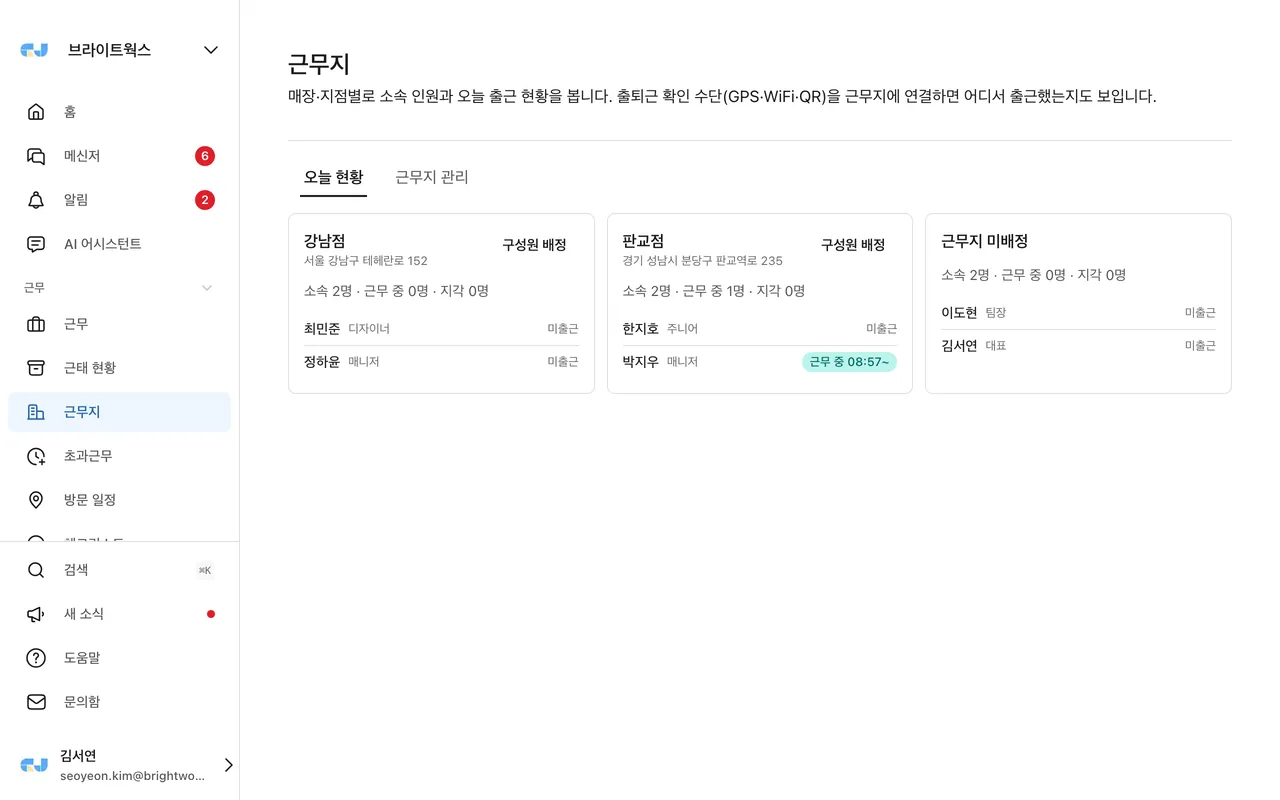
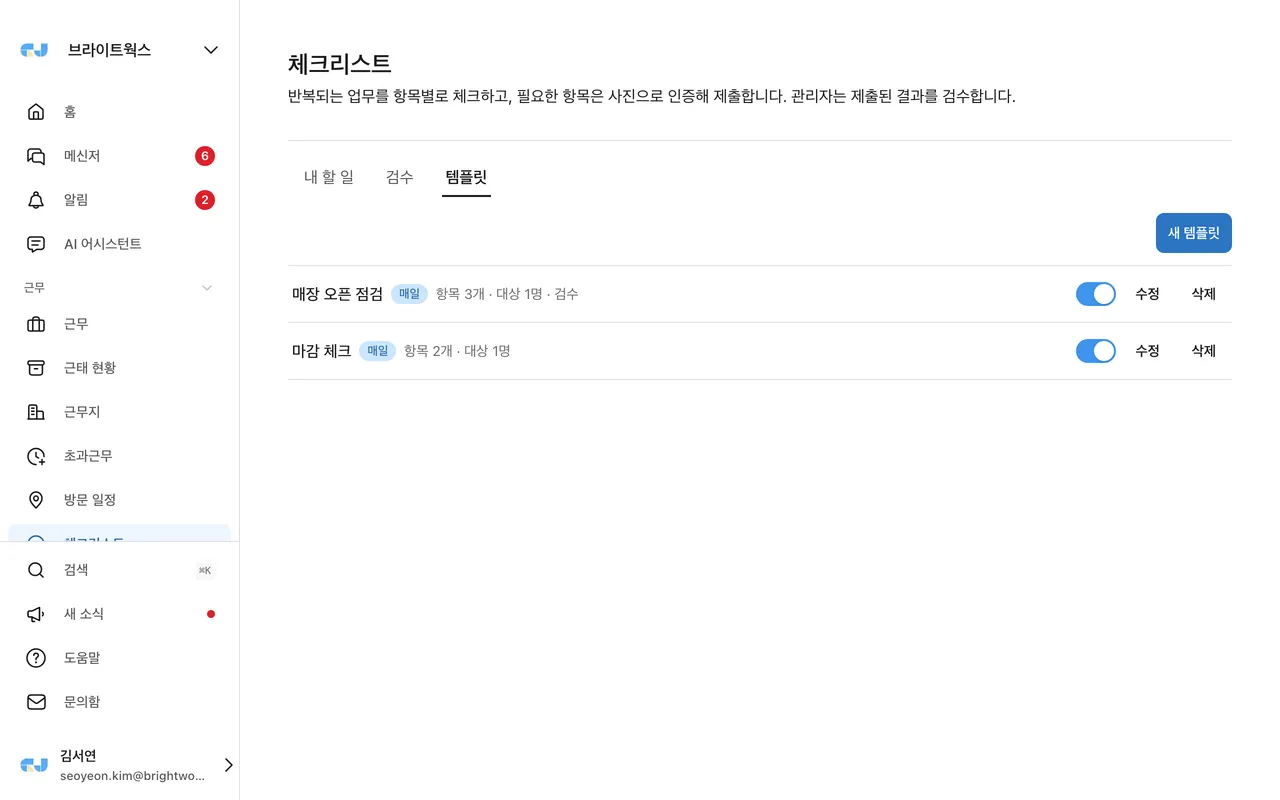
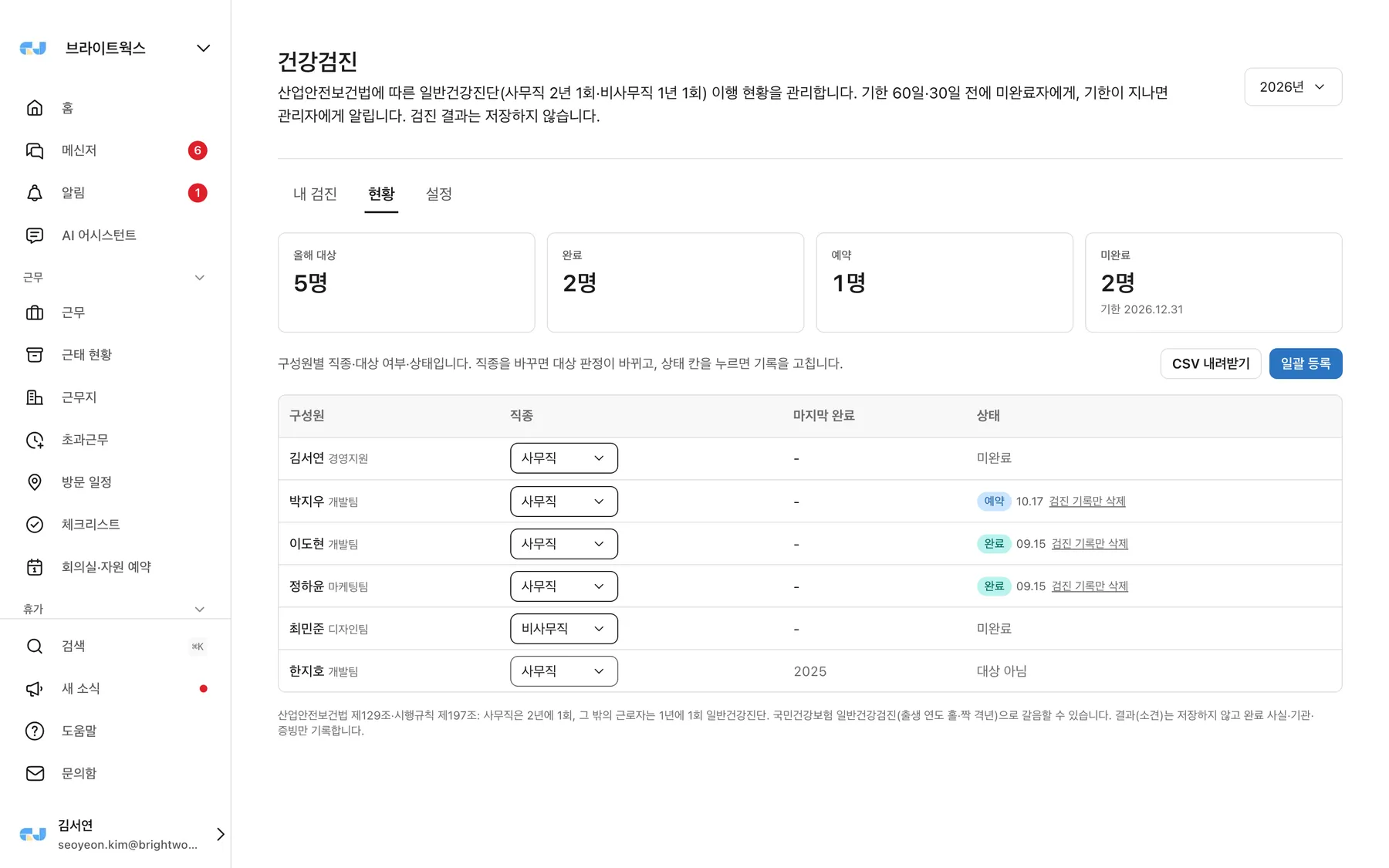
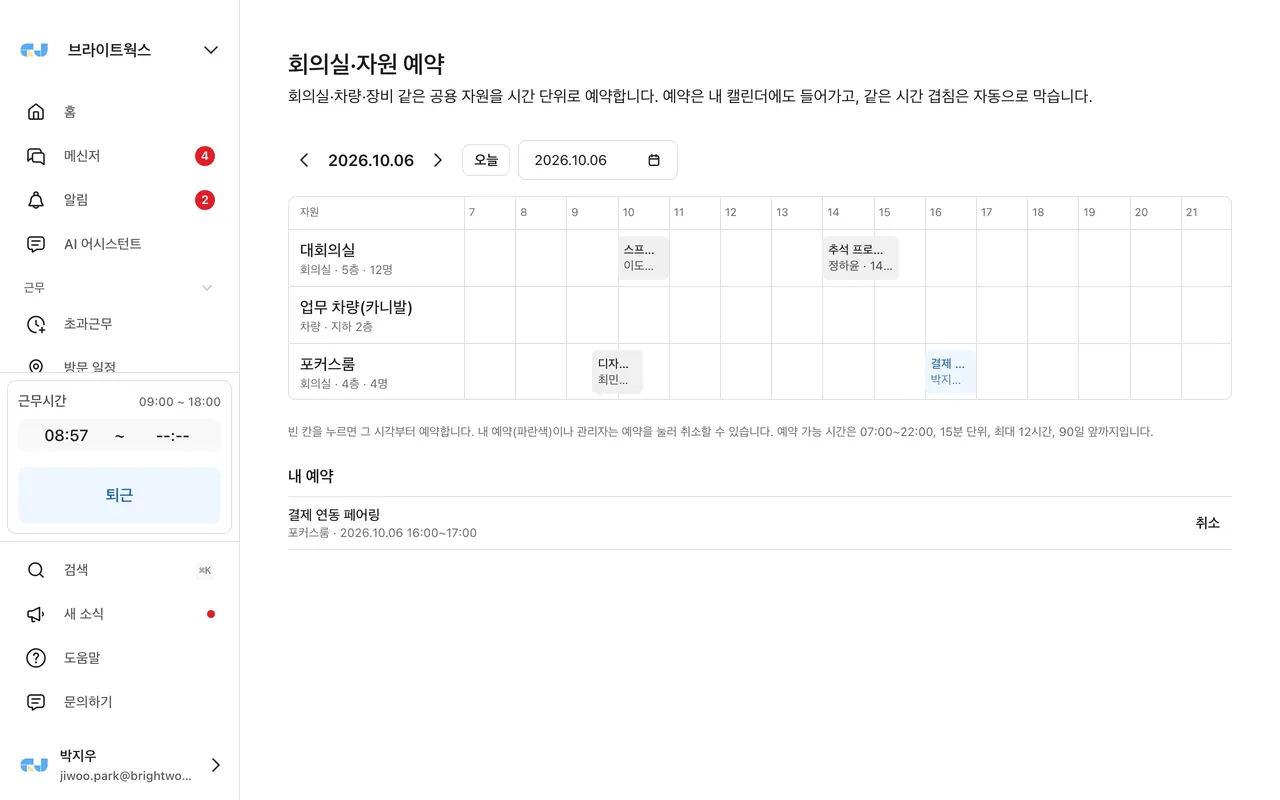
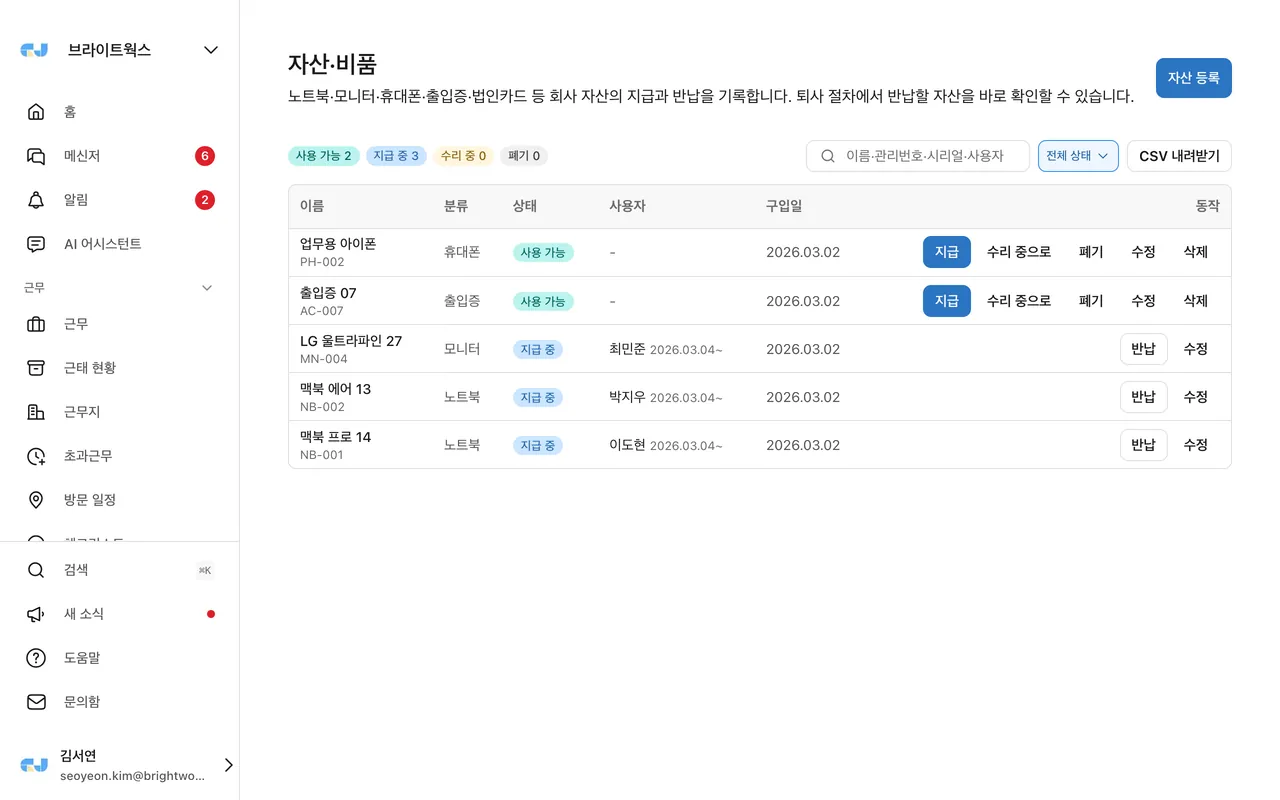
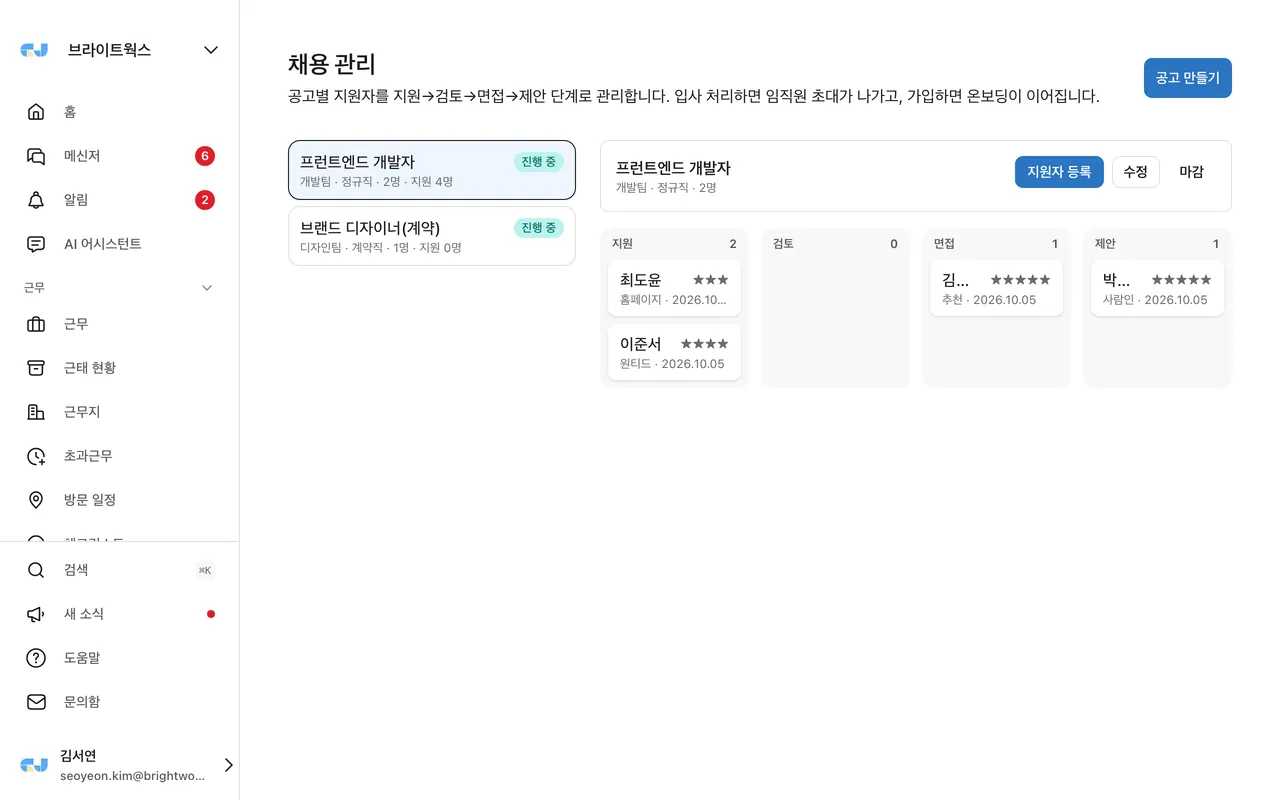
Features for teams working across stores or branches. Turn on only what you need in Settings → Menus.
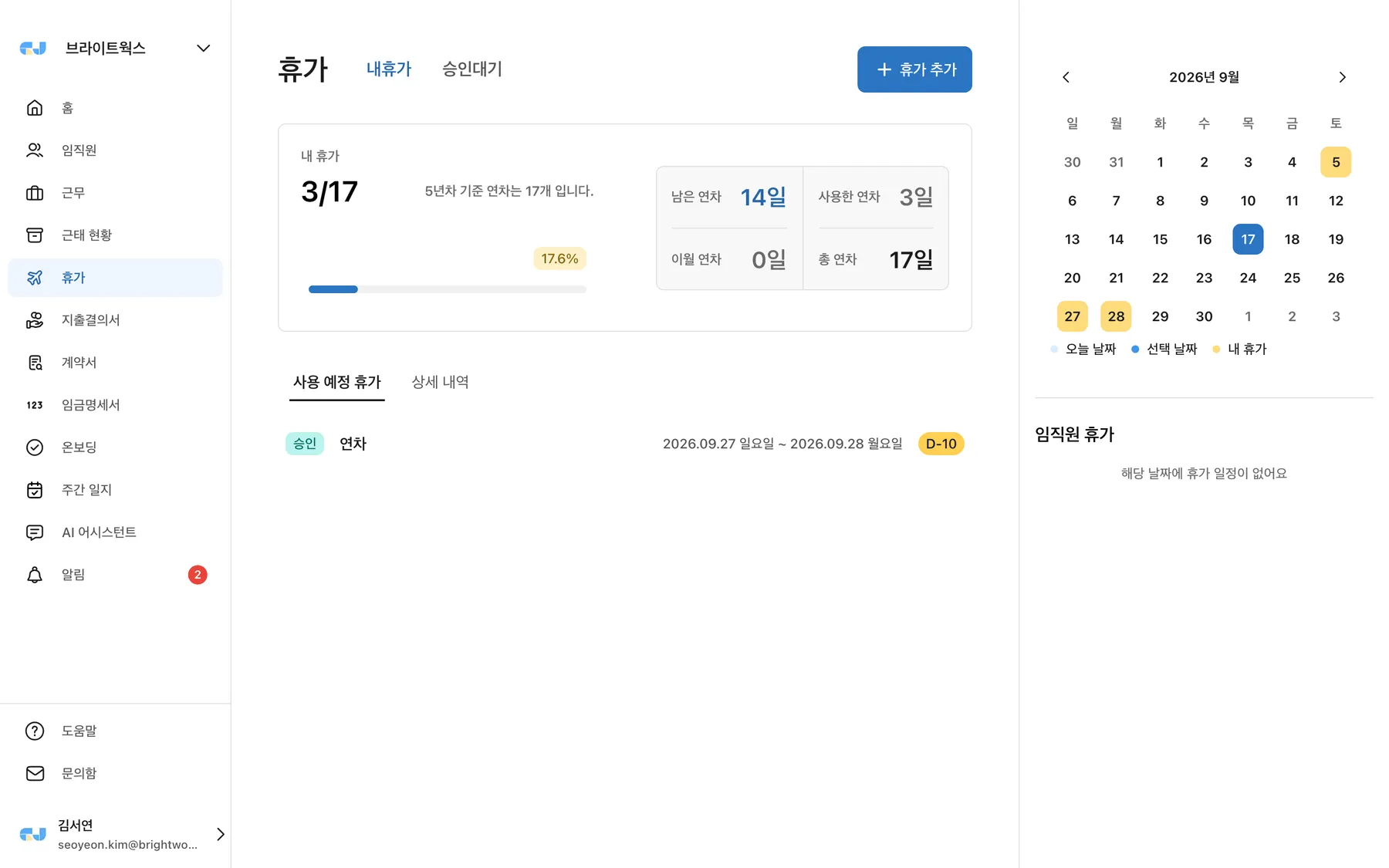
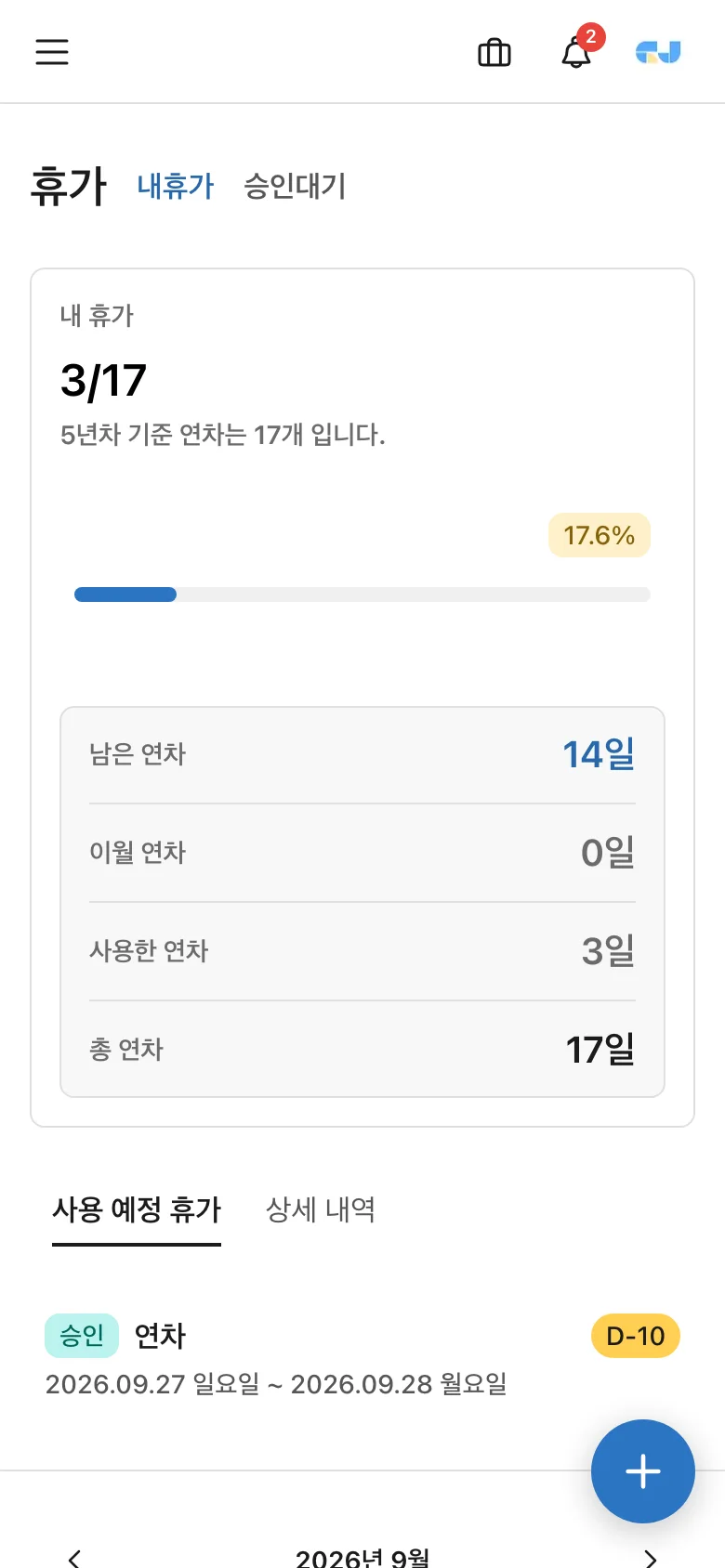
Leave Check your remaining days in the menu and + apply using the button. Types such as annual leave, half-day leave (morning/afternoon), hourly annual leave, congratulatory/condolence leave, menstrual leave, and reserve forces leave follow company settings. When you request leave, approval notifications are sent according to the approval line, and you receive the result by notification. You can cancel before approval.
It is automatically calculated based on the Labor Standards Act — employees with less than 1 year of service get Monthly leave(1 day per month with full attendance, up to 11 days), and after 1 year Annual leave(15 days plus additional days for length of service). Carry-over and expiration policies follow company settings, and you’ll receive advance notifications for leave scheduled to expire. If you’re curious about your annual leave, Annual leave calculatoryou can check it right away with the
The list can be filtered by status tab, total amount, submission date, and approver, and Download CSV(Excel-compatible) is supported.
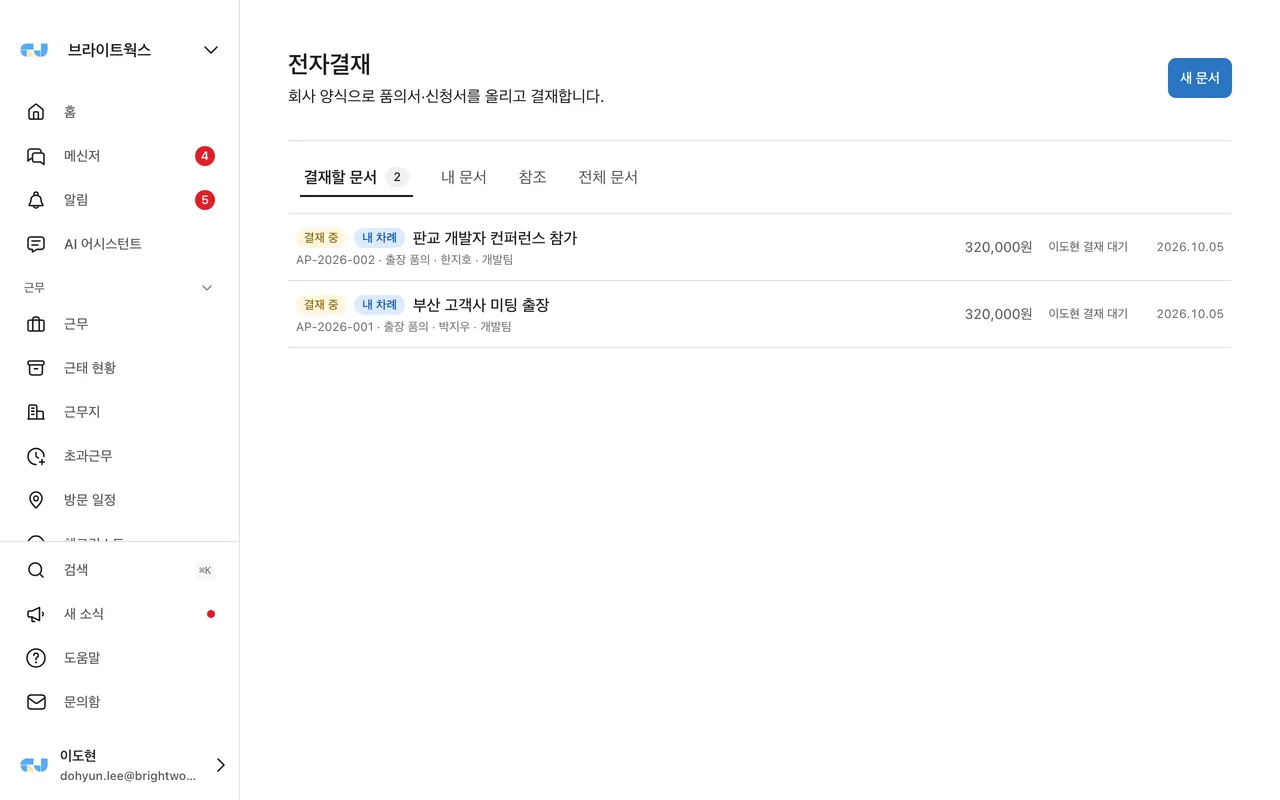
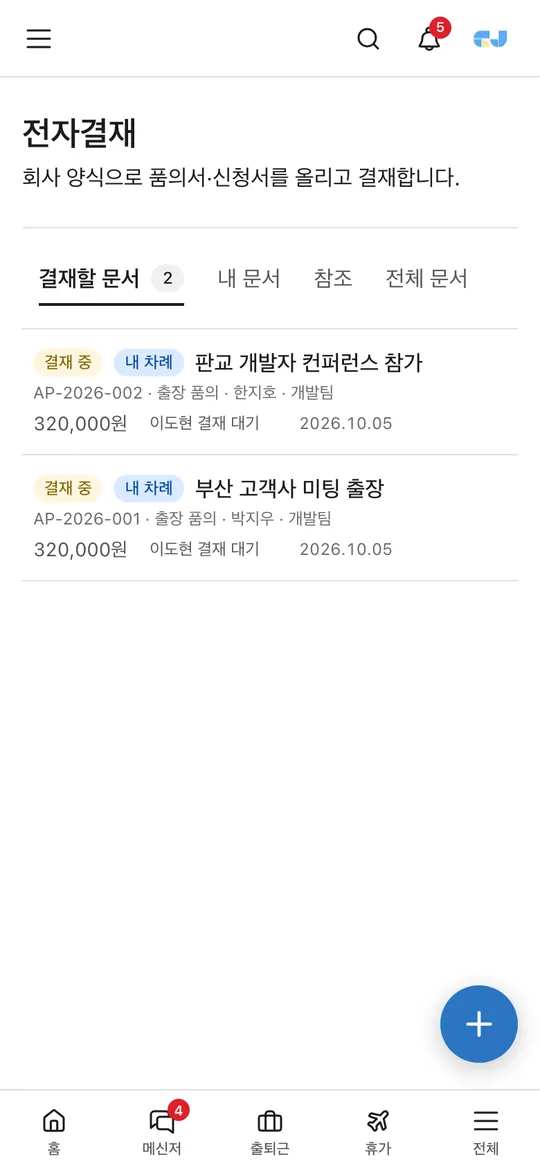
Turn your company’s own request and proposal documents into forms, then submit and approve them. Leave and expense reports follow the same approval-line rules in their own menus.
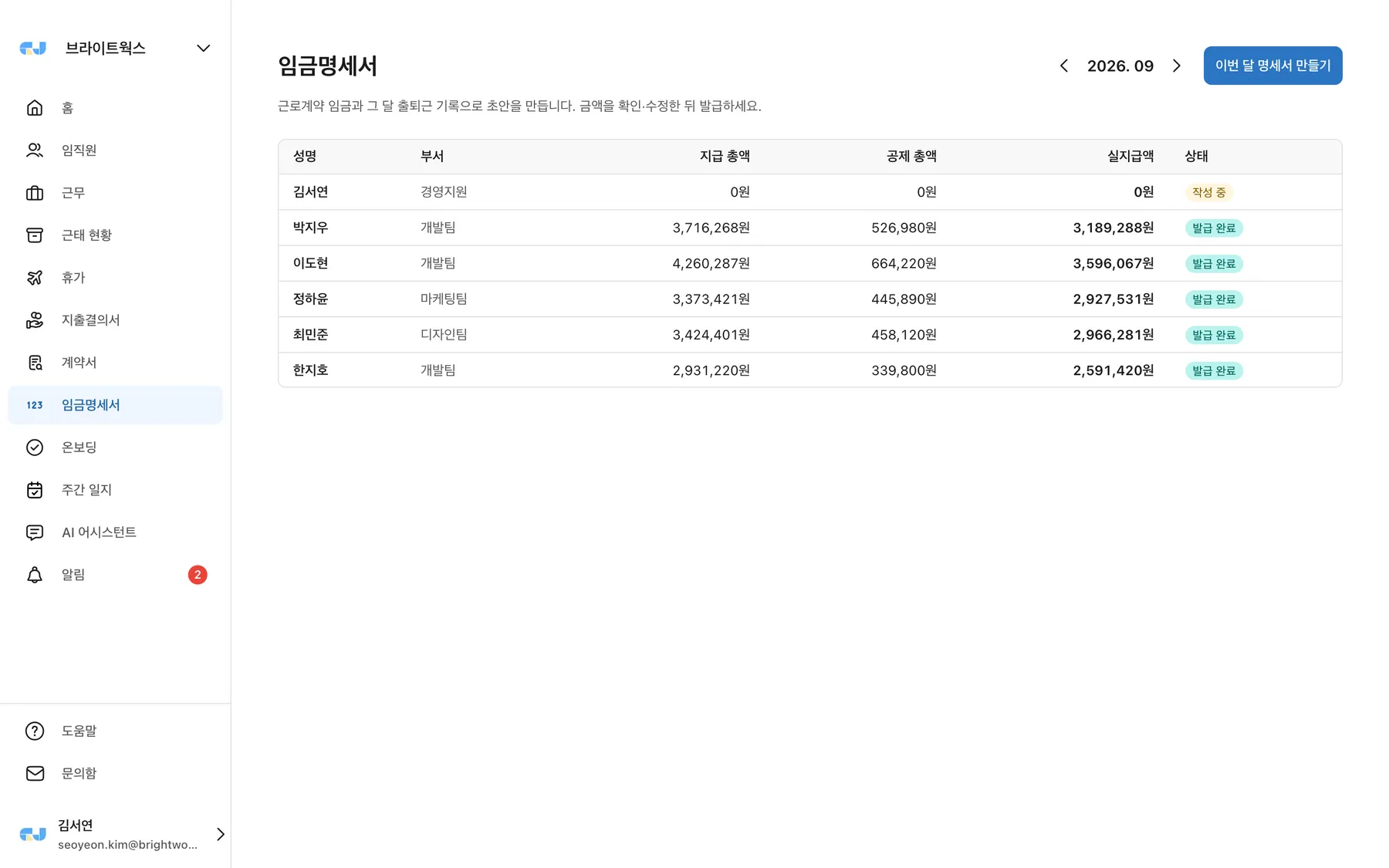
Article 48 of the Labor Standards Act requires an itemized statement with wage components, calculation methods, and deduction detailsto be provided each time wages are paid. This menu creates that written statement.
Shown only for companies using AI management support. Before creating statements, Start maintenanceclick it to check that month’s missing wage information, workdays without clock-out records, pending or unpaid leave, mid-month hires, contract ends, leaves of absence, resignations, weekend/holiday work, and existing drafts/issued statements by rule, and show them as Use the link next to an item to go to the source (work record, leave, or employee information), fix it, and run the check again. Items needing review can be marked asBlocking items / Needs review / Notice
Issued statements are stored in the Pay statements menu. Open them to check payment and deduction details and calculation methods, and Save as PDFyou can. Deductions are calculated based on the latest rates and the simplified earned income tax table, so please confirm the amounts before issuing.
{{회사명}} {{이름}} {{부서}} {{직급}} {{입사일}} {{오늘날짜}}You’ll receive a notification when a contract arrives. Contract Review the contents from the menu and E-signature(by drawing a handwritten signature or uploading a stamp image) to complete it. If you disagree, you can reject it with a reason. The executed contract records the signature and timestamp, and Save as PDFis available.
Manage tasks for new hires as a checklist. There are four item types — Contract signature · Document submission(ID, bankbook copy, etc.) · Enter information(profile) · Checklist item(orientation, etc.).
Optional featureIt is an optional feature. It appears in the menu only if the operations team has enabled it for your company. To use it, please request it via Contact us.
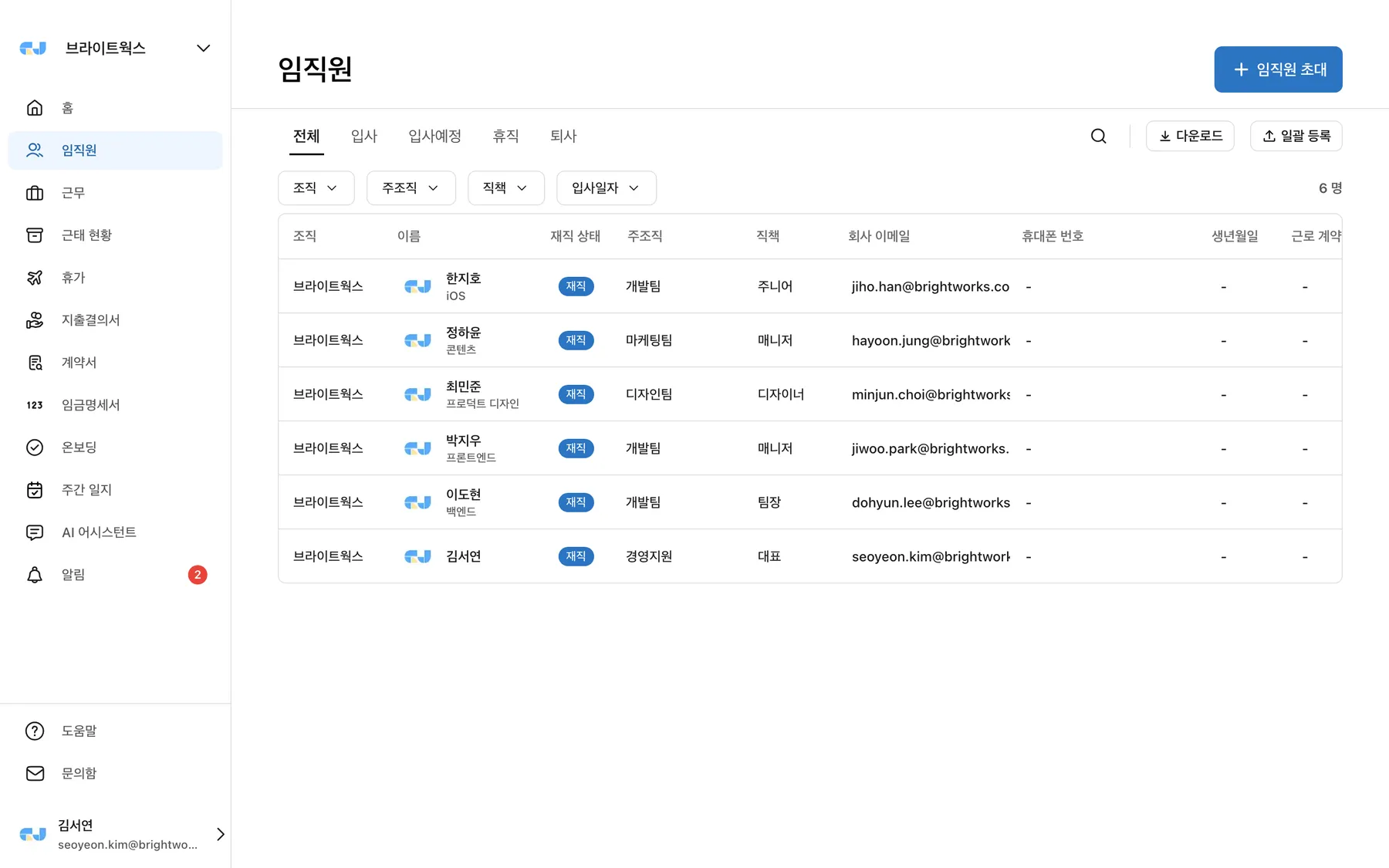
Ctrl/⌘+C copy it to paste directly into Excel or Notion. Conversely, pasting fills multiple rows and columns at once. Drag the handle at the front of a row to change the order.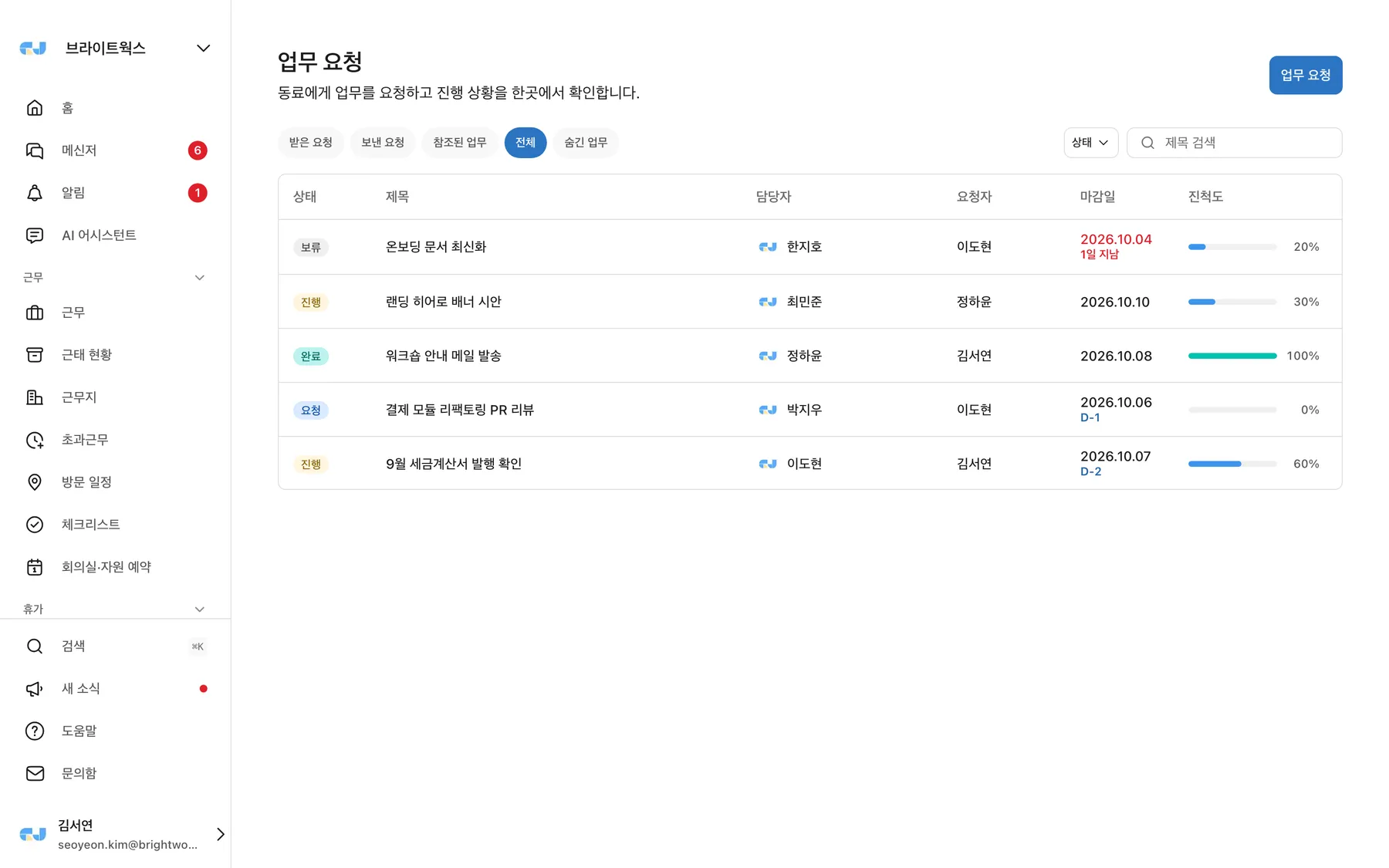
| Menu | Description |
|---|---|
| Company information | Logo, representative, business registration number, etc. |
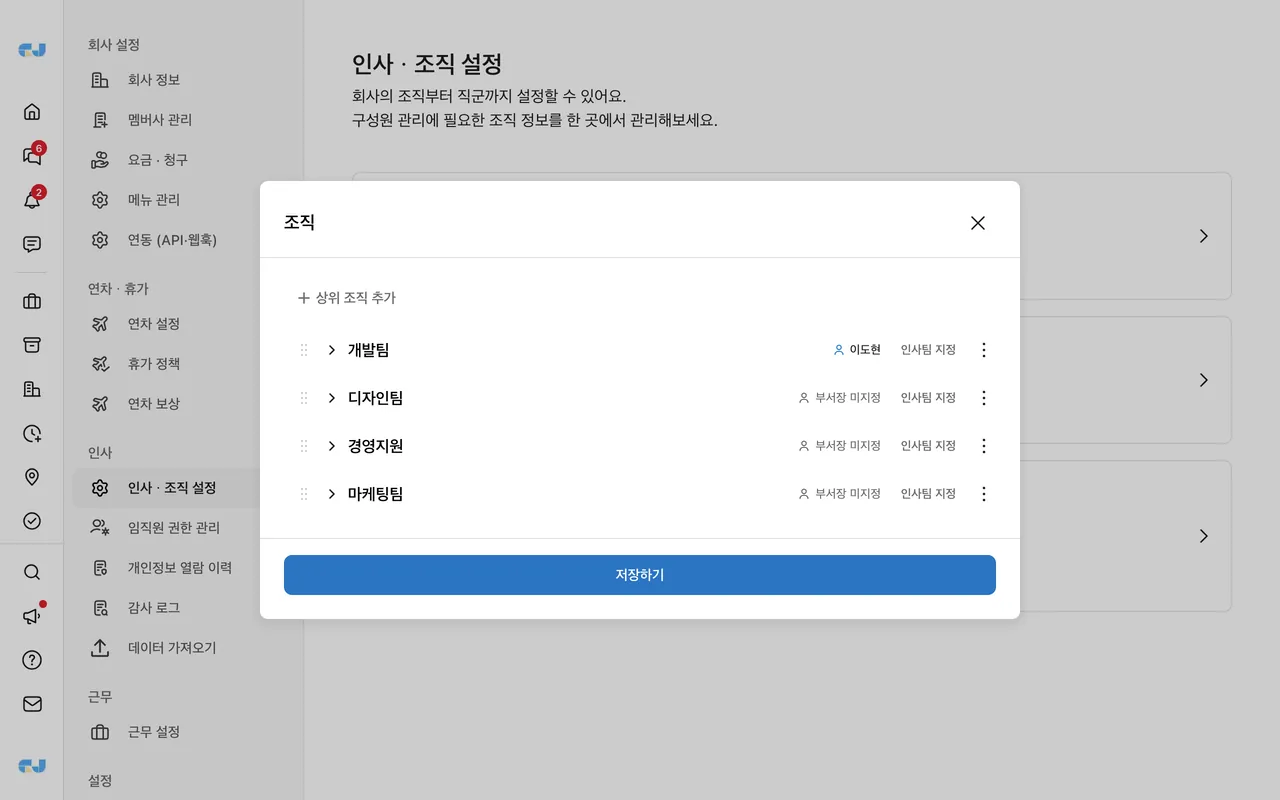
| HR & organization settings | Departments (use the department head button in each row to set the department head for the approval line), job groups and job levels |
| Permissions | Assign admin / manager / member roles |
| Leave · leave policy | Policies by type (grant method · validity period · documentation), carry-over rules, family event items |
| Work settings | Company default working hours (employee-specific hours are in employee details), IP whitelist, clock-out reminders |
| Approval management | Approval method · steps — shared by leave and expense reports |
| Compensation | Manage compensatory leave grants |
| Notifications | Company notification policy |
| Member company | Manage group company (parent–subsidiary) connections |
| Integrations (API · webhooks) | Issue and revoke API keys for external systems, register and test webhooks, delivery history |
| Pricing · Billing | Subscription plan and seat usage, invoice lookup |
| Personal information access history | View records of who viewed, edited, or exported which member’s personal information and when; download CSV |
| Business card settings | Only for companies with the optional feature enabled — business card information, input fields, production date |
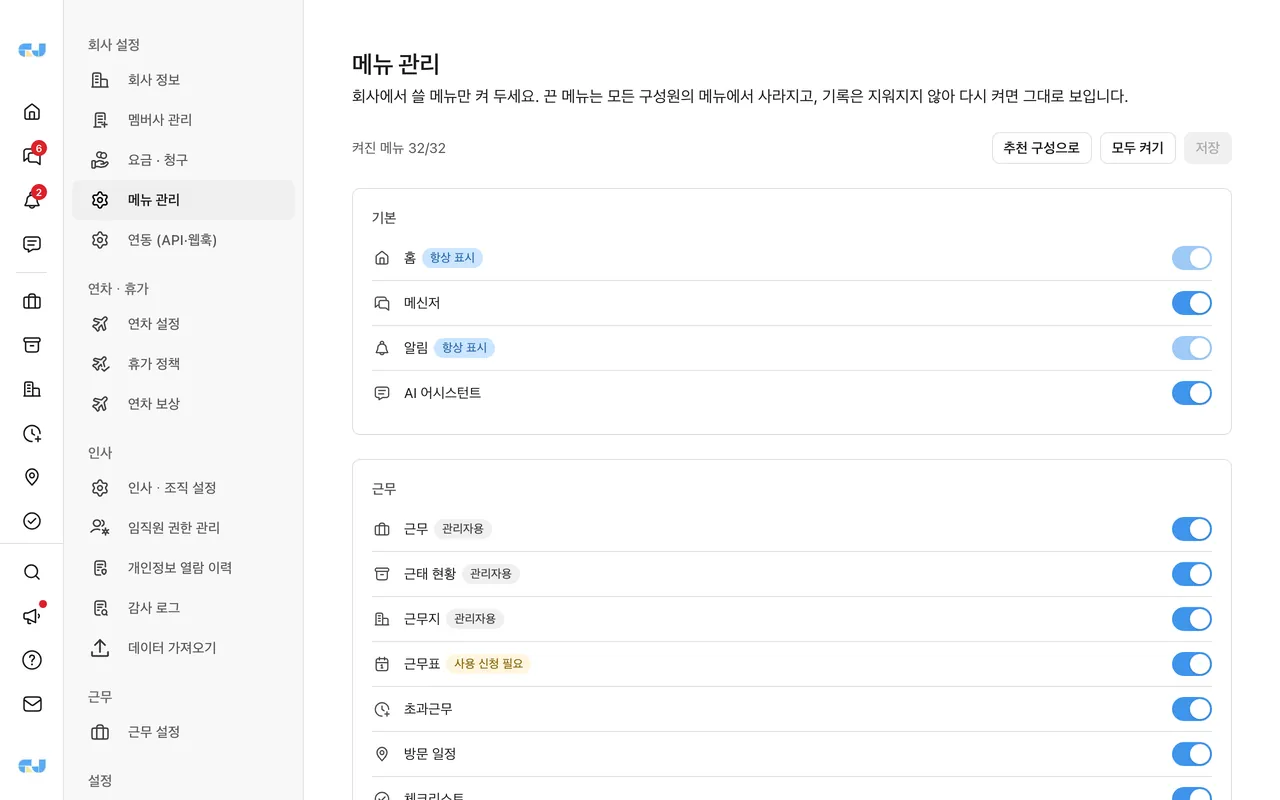
| Menu management | Keep only the menus your company uses. New companies start with the recommended set (messenger, attendance, attendance status, leave, work requests, approvals, employees); hidden menus disappear from the sidebar and home and show a notice if opened by URL. |
| Security settings | The security policy at the bottom of Company info: required two-factor authentication (not enforced / admins & managers / all members) and auto-join email domains. Only the owner can change it and every change is recorded in the audit log. |
In-app Inquiry inboxsend a service inquiry, and the operations team will review and respond. If you encounter an outage or error screen, try again shortly; if it continues, let us know through inquiries.
Service inquiries get an AI first response based on the guide right after submission; press "Not solved" and the support team follows up.
For inquiries that require a person, such as errors or outages, account-specific data checks, and billing or contracts, AI immediately forwards them to the operations team.
Anyone can use it without logging in.
If you’re not using GI-JUN yet
Once your trial request is approved, you can use all features right away.
Request a trial